Start your services
When you install mesos, the master and slave services are enabled (called mesos-master and mesos-slave). Here, we want our master to focus on this tasks so we need to disable the slave service.
Do this on all the master nodes:
sudo systemctl stop mesos-slave
printf manual | sudo tee /etc/init/mesos-slave.override
We need to restart our zookeeper process and start mesos-master and marathon on all master nodes:
sudo systemctl restart zookeeper

sudo systemctl enable mesos-master

sudo systemctl start mesos-master

sudo systemctl enable marathon

sudo systemctl start marathon
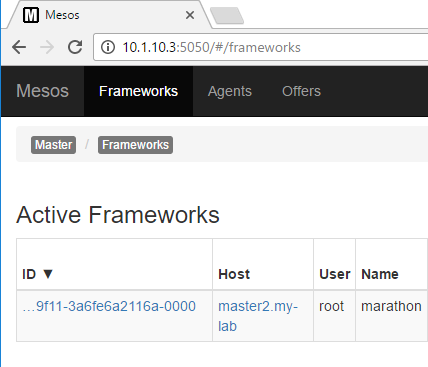
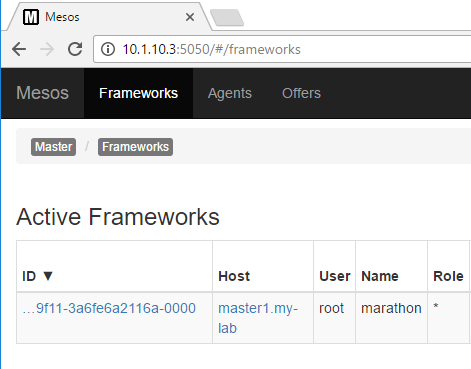
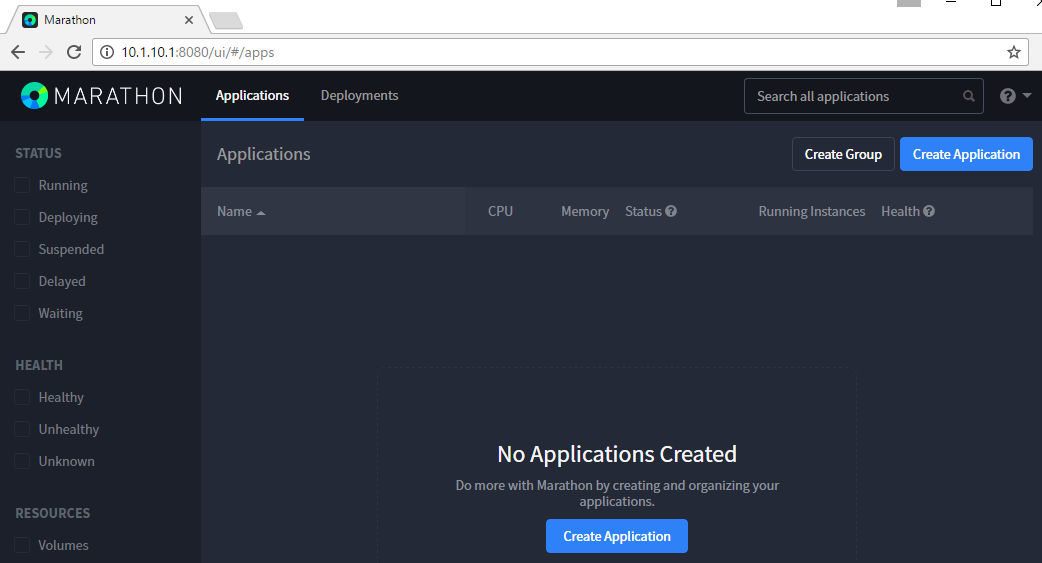
We can validate that it works by connecting to mesos and marathon. Mesos runs on port 5050 (http) while marathon runs on port 8080.
Mesos:
Marathon:
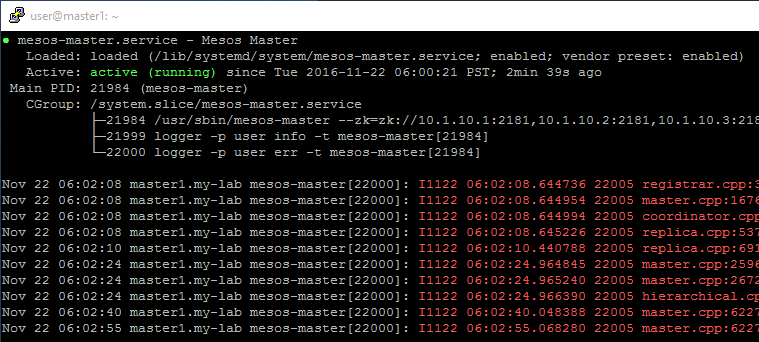
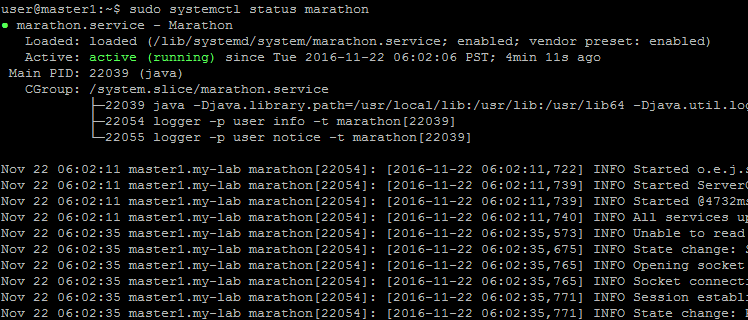
if you want to check whether the service started as expected, you can use the following commands:
sudo systemctl status mesos-master

sudo systemctl status marathon
you should see something like this:
Check the about section in marathon to have the information about the service.
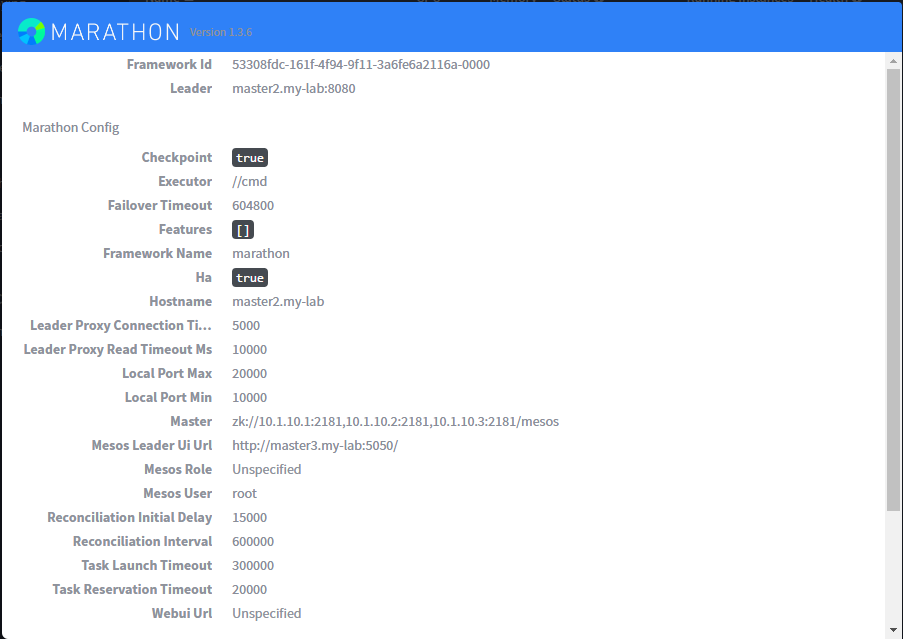
- You can do the following to test the high availability of marathon:
- Find on which mesos is running the framework marathon (here based on our screenshot above, it is available on master1)
- Restart this master and you should see the framework was restarted automatically on another host