Test your setup
Launch a command
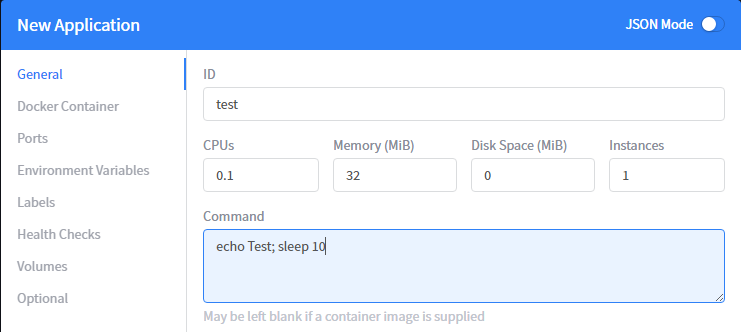
Connect to Marathon through one of the master (:8080) and launch an application
Click on create application

ID: Test CPU: 0.1 Memory : 32M Command: echo Test; sleep 10
Click on Create Application
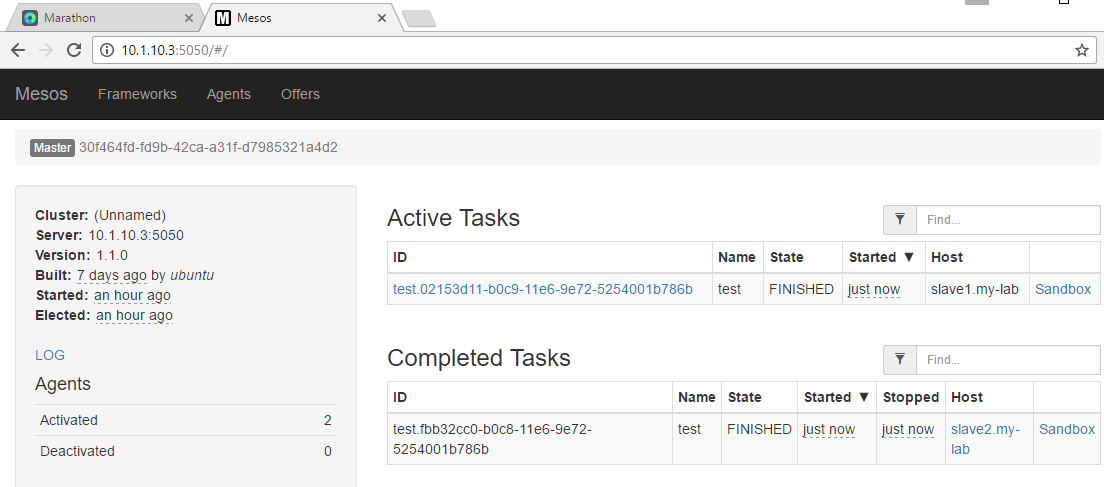
Once it runs, if you connect to the mesos framework, you should see more and more completed tasks. Name of the task should be “Test” (our ID).
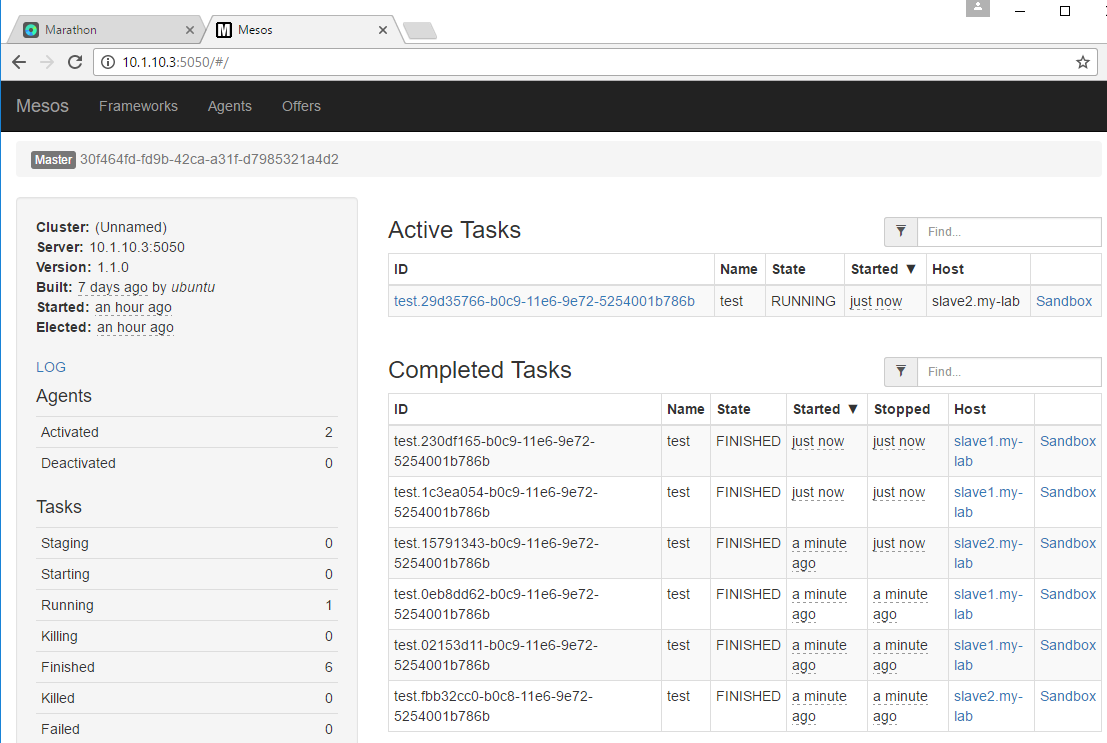
If you let it run for a while, you’ll see more and more “Completed Tasks”. You can see that the Host being selected to run those tasks is not always the same.
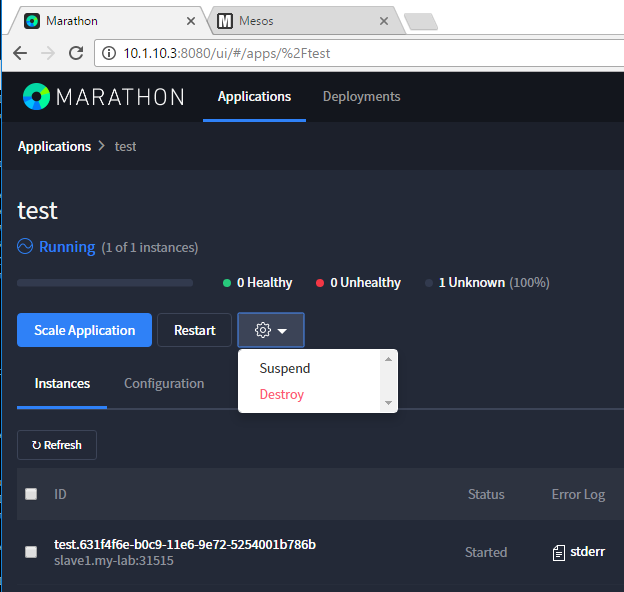
Go Back to Marathon, click on our application test and click on the setting button and select destroy to remove it.
Launch a container
To test our containers from marathon, click on create an application, switch to JSON mode and use the following to start an apache in a container
Note
This may takes some time since we will have to retrieve the image first
{
  "id": "my-website",
  "cpus": 0.5,
  "mem": 32.0,
  "container": {
    "type": "DOCKER",
    "docker": {
      "image": "eboraas/apache-php",
      "network": "BRIDGE",
      "portMappings": [
        { "containerPort": 80, "hostPort": 0 }
      ]
    }
  }
}
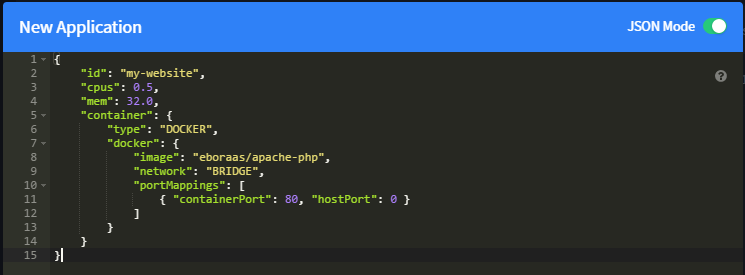
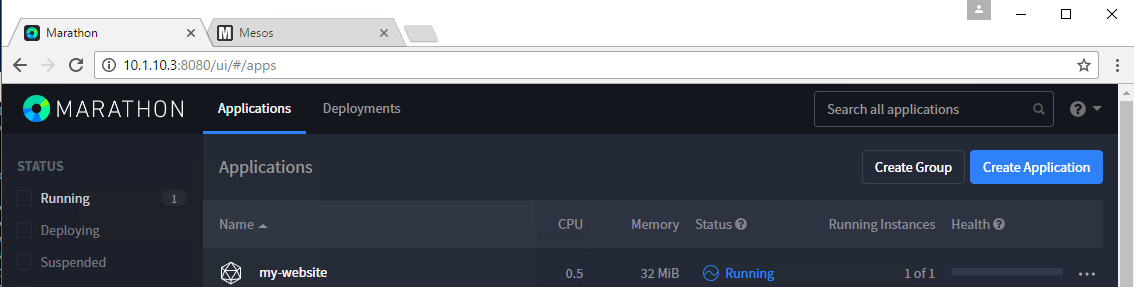
It may take some time to switch from Deploying to Running. Once it’s
in a Running state, check the port used by the container and try to access
it (slave IP:port)
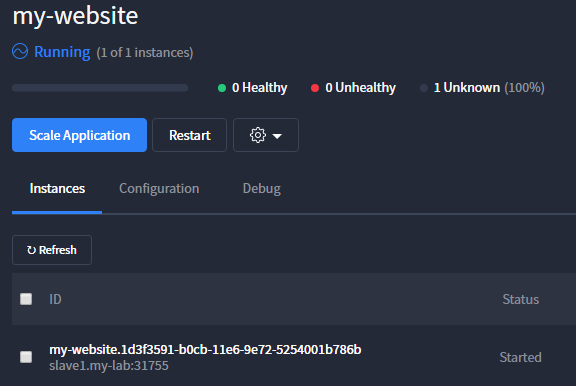
Click on your application and here you’ll see the port associated to your
instance (here it is 31755) and on which host it run
(here slave1 - 10.1.20.51)
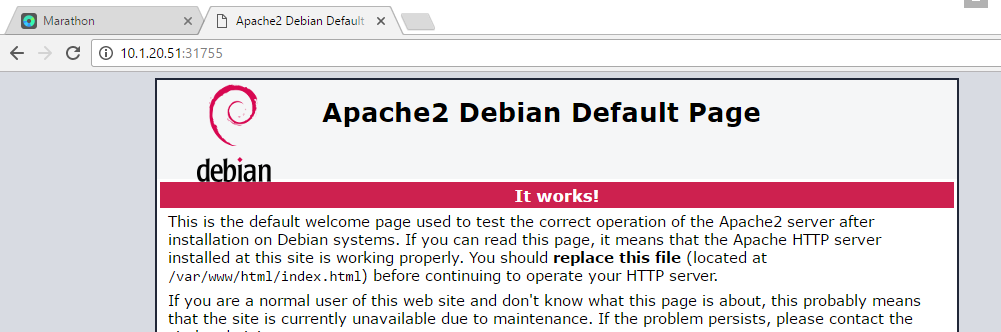
Use your browser to connect to the application: